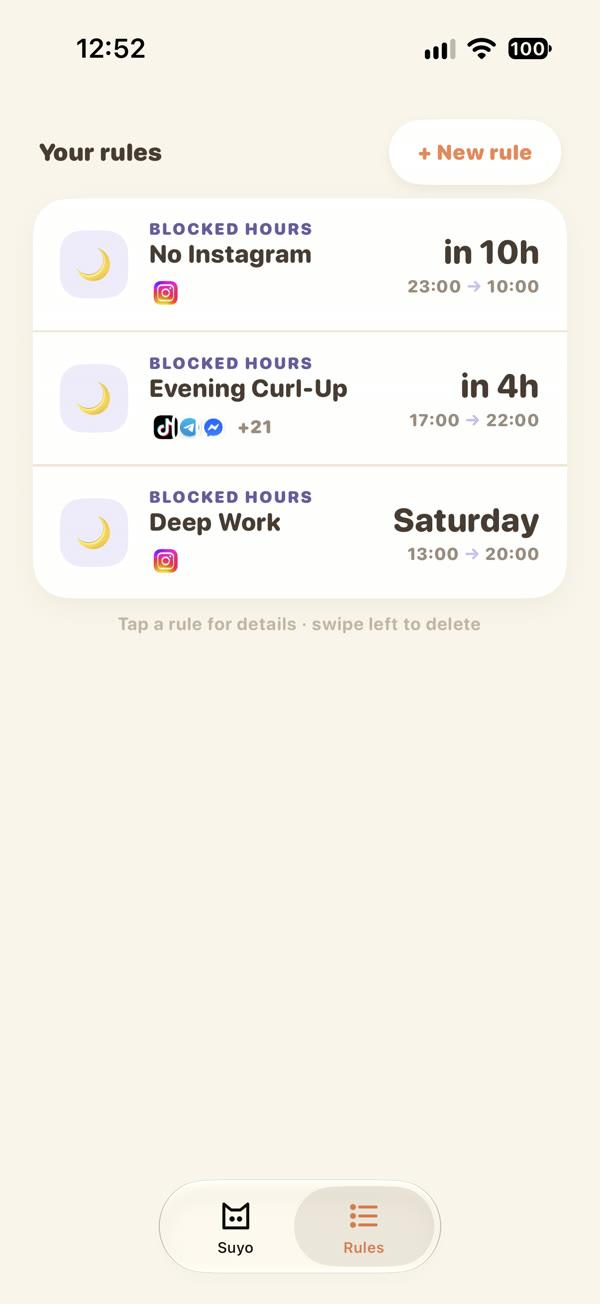
Pick your apps, and when
Block hours, a daily time limit, or a few opens a day. Write it like a sentence, then hold the paw to seal it.
Pick the apps that eat your day. A sleepy cat curls up on them, and they stay shut until she wakes.
The bad news
Over the next fifty years, that adds up to more than eight of them. Every dot is one year.
How it works
Block hours, a daily time limit, or a few opens a day. Write it like a sentence, then hold the paw to seal it.
 Shhh… Mochi is napping on this app
Back at 7:00 · she guarded you 3× today
🐾🐾🐾
Okay, back to work 🐾
Open a napping app and you meet a sleeping cat instead. The app stays shut. Back to your day.
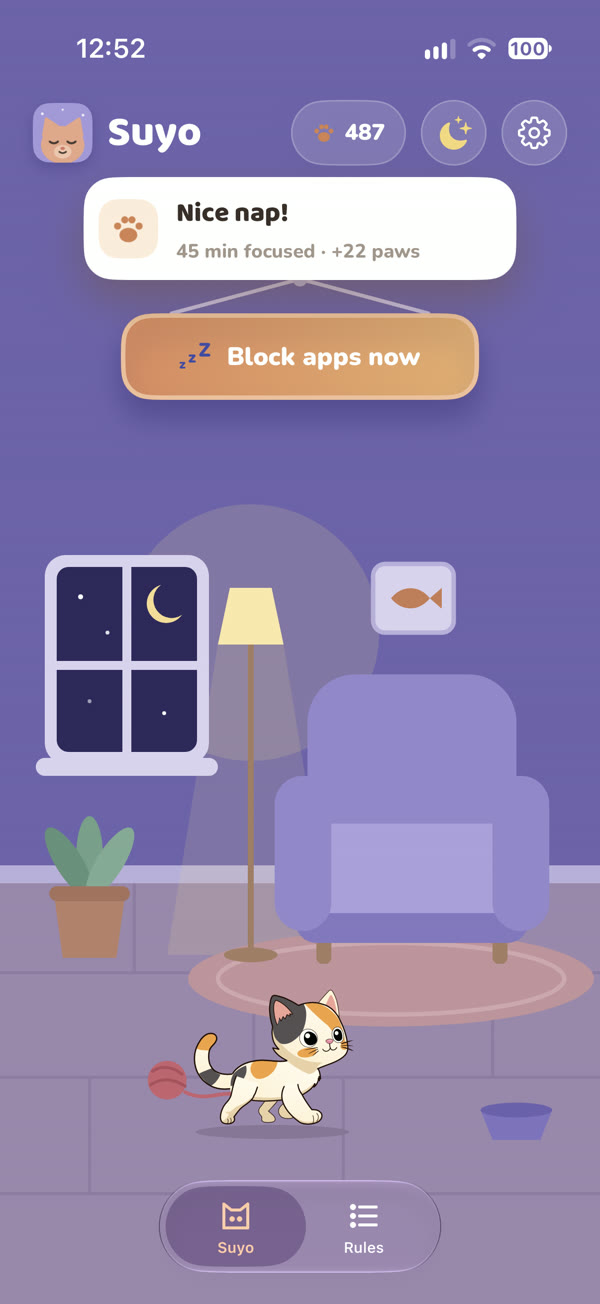
Every stop is counted. Earn paws, keep your streak, and watch the minutes add up.
Block apps now
Tap the sign in her room, pick 15, 25, 45 or 90 minutes, and she's out like a light. Your usual rules stay as they are.
Features
Weeknights, work hours, Sunday mornings. She naps right on schedule.
Allow yourself 30 minutes of a feed. After that, she's asleep on it.
Allow a few short opens a day. When they're used up, the flap is shut.
Goldie, Mochi, Clover and friends, each with a cozy room to call home.
Switch her room between sunny afternoons and starry nights.
Real emergencies happen. Unblock everything, once every seven days.
Built on Apple's Screen Time. No account, and your Screen Time data stays on your iPhone.
Suyo speaks both. In Japan she's スヨ.
See it in 30 seconds
That's the whole idea. Watch how Suyo turns "just one more scroll" into a nap for her and a little time back for you.
Download SuyoFAQ
Suyo is free to download. An optional Suyo subscription unlocks everything; the price is always shown in the app before you subscribe.
Any app on your iPhone: social, video, games, shopping. You pick them, or whole categories, from Apple's own Screen Time list.
It depends on how you set it up. You can wake her early from her room (unless you turned that off), allow a few short opens with the cat flap, or use Unblock everything once every seven days.
Suyo uses Apple's Screen Time framework, which keeps your Screen Time data on your iPhone. There's no account and nothing to sign up for.
An iPhone with iOS 17 or later. You'll give Suyo Screen Time access once, during setup.